|
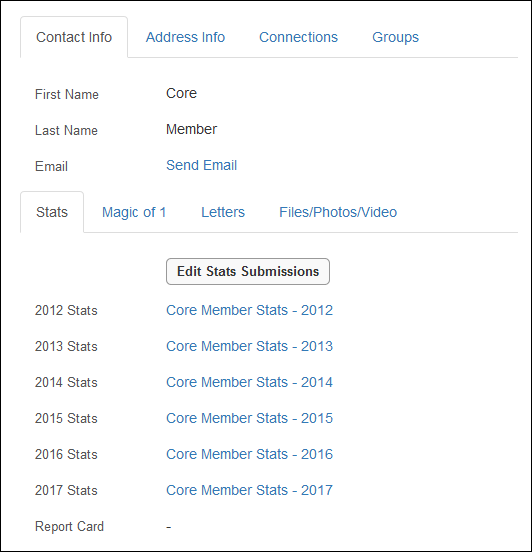
Click on View Profile at the top of the page, or navigate to Member Tools > View Your Profile. This will bring you to your profile, and the Stats tab is below your Contact Info (as shown below). Please note that after submission, your stats should update immediately. If they do not, please check your confirmation email and check that the correct month and year was entered. If there was an incorrect entry, please update your submission and check again.
If you are still experiencing a problem, please email mailto:carolyn@tlc4superteams.com |